Posts about Tech

AI Is Good At Janitorial Work

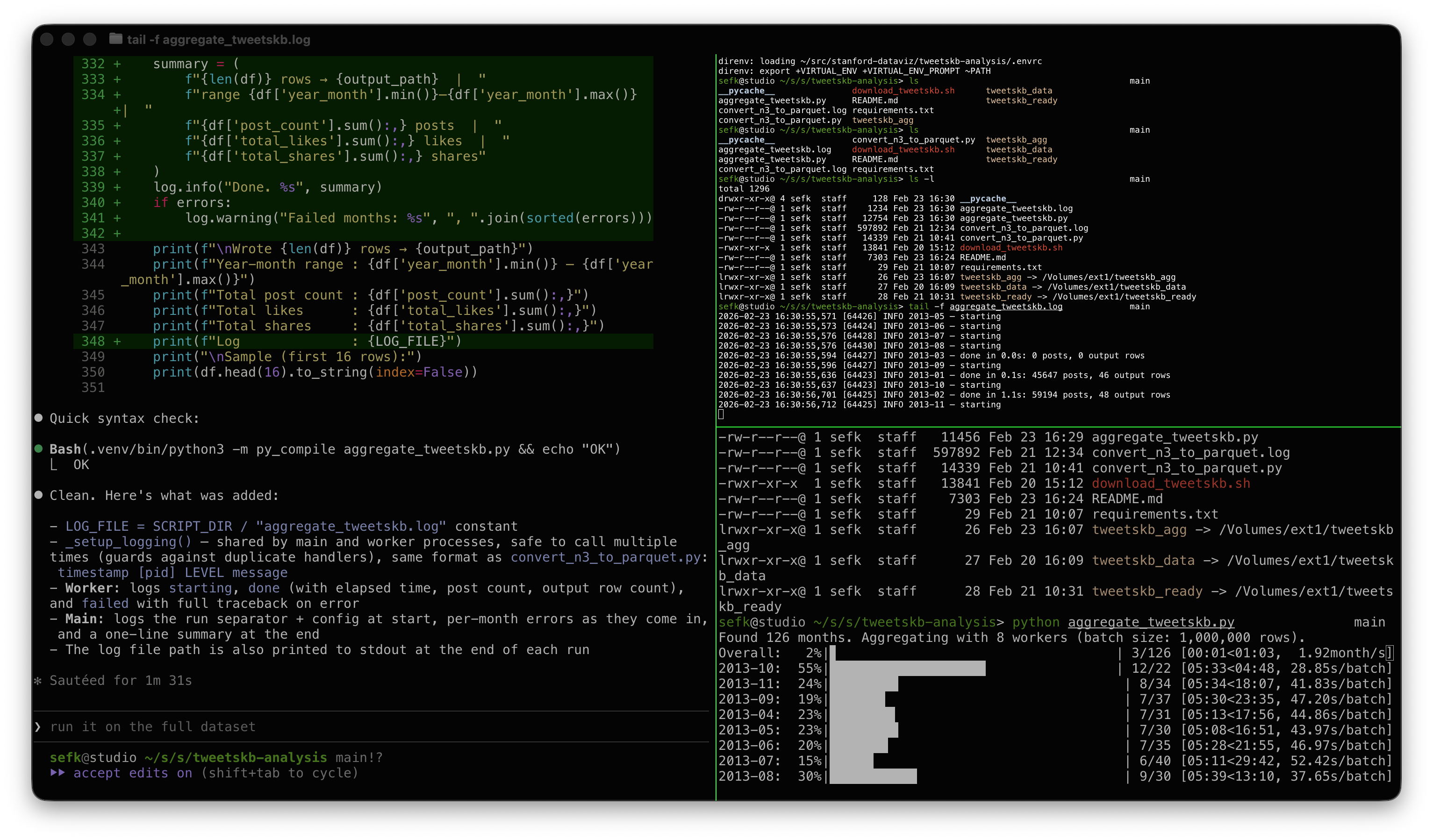
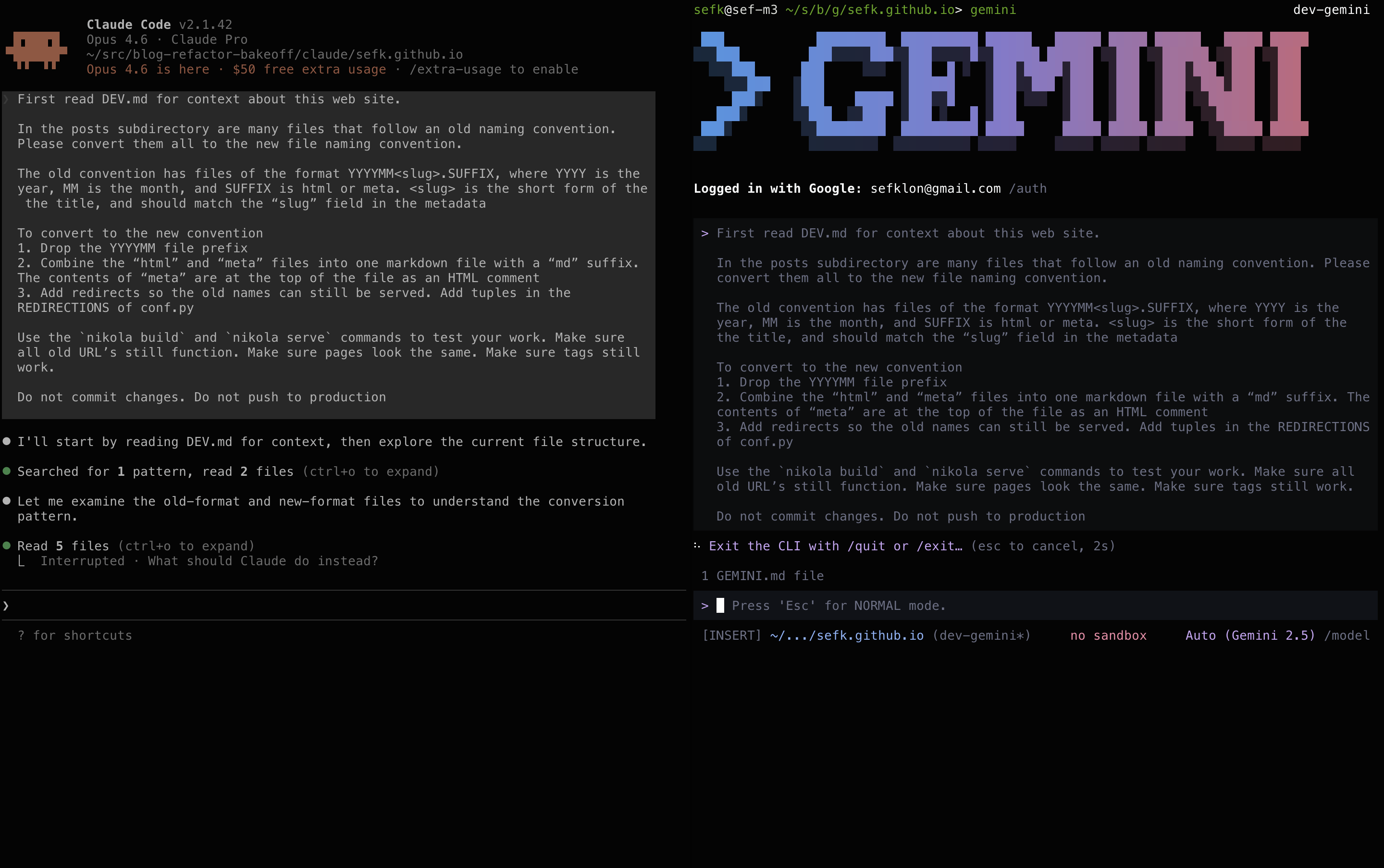
Claude Code on the left, Gemini on the right

It's been nice having AI tools at the ready for cleanup work. You know, those tasks that require a little program or script. Sure you can write it yourself, but it won't be fun, and it'll take some time, so instead you just don't bother and it doesn't get done.

Instead of just knocking this out I decided this would be a fun one to try with the two tools I'm using the most these days, Gemini and Claude. I can't really call this a proper bakeoff, since it's just those two and it's not an especially hard task.

And the result? Both did well but Gemini did a little better. Gemini got it right on the first try; Claude had two bugs that were easy to find and fix. Claude was a little nicer to work with and produced a nicer description of the solution. Aside from that, the end product was identical.

The Task

I wanted to clean up the some of the old files backing this blog. I migrated the site from Wordpress to Nikola in 2013. Even back then I complained about the crufty file format, but couldn't be bothered to fix it then.

The prompt describes in a fair bit of detail what I wanted done. Probably too much detail. It's down at the bottom of this post.

The best way to see what they did is to just look at the resulting commits: Gemini and Claude. They're pretty similar. I asked both to save their work in a migration_scripts subdirectory, including a it's own summary of the work and full log.

For both tools I pay the $20/month that gives me access to reasonable token limits and good production models -- Gemini 3 and Sonnet 4.6.

Thoughts on Claude

I didn't describe the problem as "Wordpress-style naming" but Claude sussed that out. Honestly I'd forgotten that was the source of the problem. Nice!

I like that Claude inserted comments in the configuration file without being asked to.

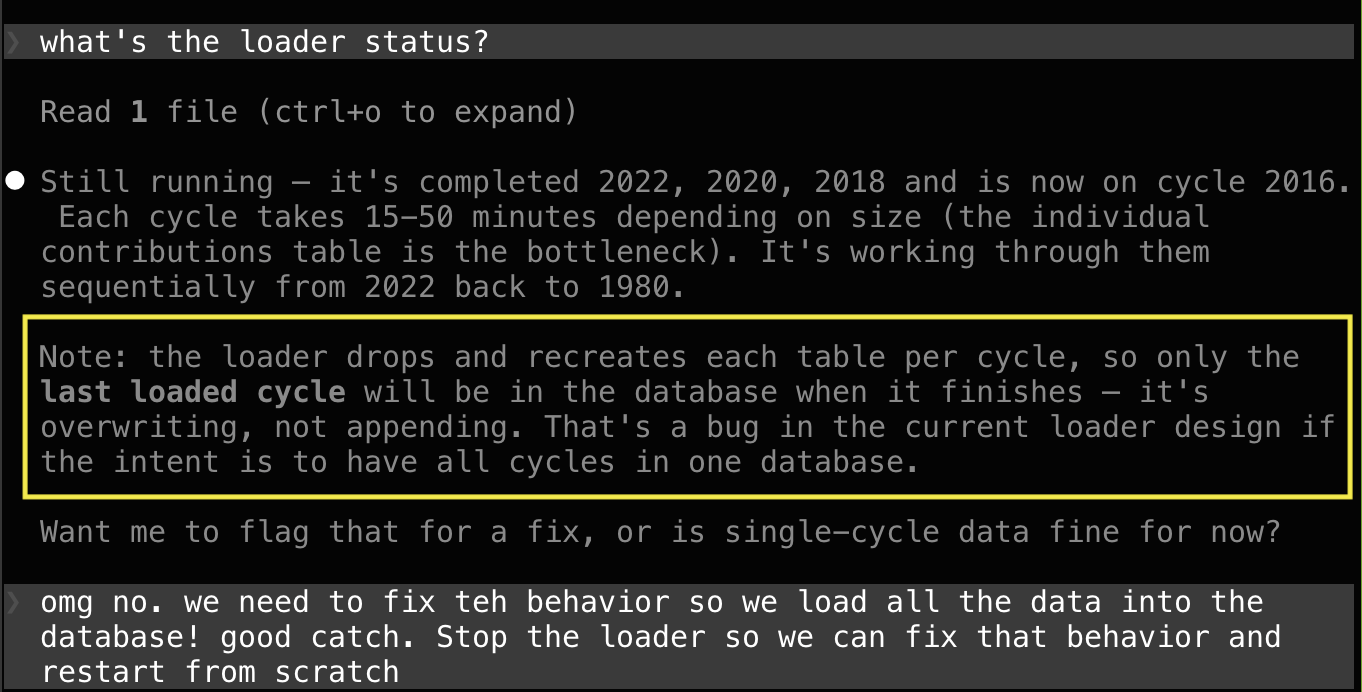
Despite being told to test, there were two bugs that I had to find.

  • Some of redirects broken. I pointed the problem out and it did more thorough testing using curl and found the problem. The new format was what Gemini came up with in the first pass (luck? smarts?).

  • A missing newline between the metadata and the body caused the hero images to be dropped.

side by side view showing bug

Thoughts on Gemini

I haven't used the Gemini CLI as much by this point. It seems to have borrowed much of it's UI and flow from Claude code (slash commands, asking questions as it goes) so it's familiar. It's really nice to use, just a smidgen less mature and polished than Gemini.

I preferred Claude's writeup a little so I went with that one. But Gemini wins the prize for nailing the task on the first try!

Usage

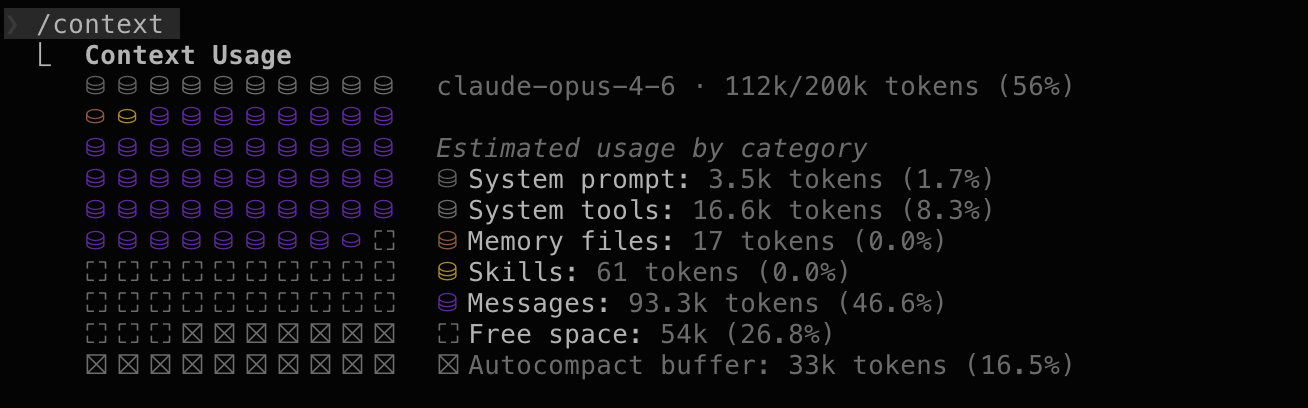
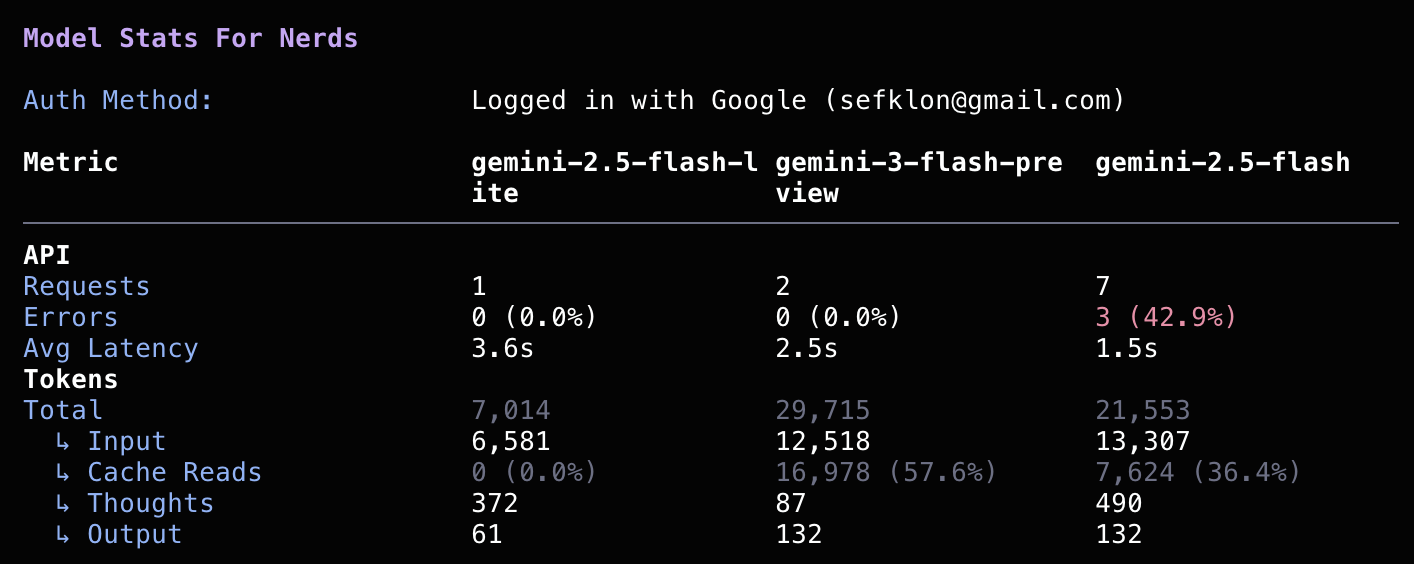
I really liked how Claude shows how much of it's context window is used via the /context command. I had a harder time getting this kind of thing out of Gemini, and even when I did it was harder to grok.

I couldn't tell with either if I'm getting close to any global usage limits. I should hope not, this wasn't a very big job.

Claude /context Output

Claude context window usage

Gemini /stats model Output

Gemini "stats for nerds"

Prompt

Both started with this:

First read DEV.md for context about this web site.

In the posts subdirectory are many files that follow an old 
naming convention.  Please convert them all to the new file
naming convention.

The old convention has files of the format YYYYMM<slug>.SUFFIX,
where YYYY is the year, MM is the month, and SUFFIX is html or
meta. <slug> is the short form of the the title, and should match
the "slug" field in the metadata

To convert to the new convention

1. Drop the YYYYMM file prefix

2. Combine the "html" and "meta" files into one markdown file
   with a "md" suffix. The contents of "meta" are at the top of
   the file as an HTML comment

3. Add redirects so the old names can still be served. Add tuples
   in the REDIRECTIONS of conf.py

Use the `nikola build` and `nikola serve` commands to test your
work. Make sure all old URL's still function. Make sure pages
look the same. Make sure tags still work.

Do not commit changes. Do not push to production.

I also checked in a DEV.md file that described the purpose, directory layout, and some constraints. Again, maybe overkill, but I figured this isn't the last time I'll be asking one of these tools to help me futz with this site.

Yeah, I Did Some Vibe Coding Too

This is a story about my recent experience Vibe Coding. The work itself isn't impressive and this writeup isn't different than the many gee-whiz posts you see these days. I didn't do three apps in a day. But I wanted to write up my experience, mostly to give me an excuse to tell an old tyme programming story from the 1900's.

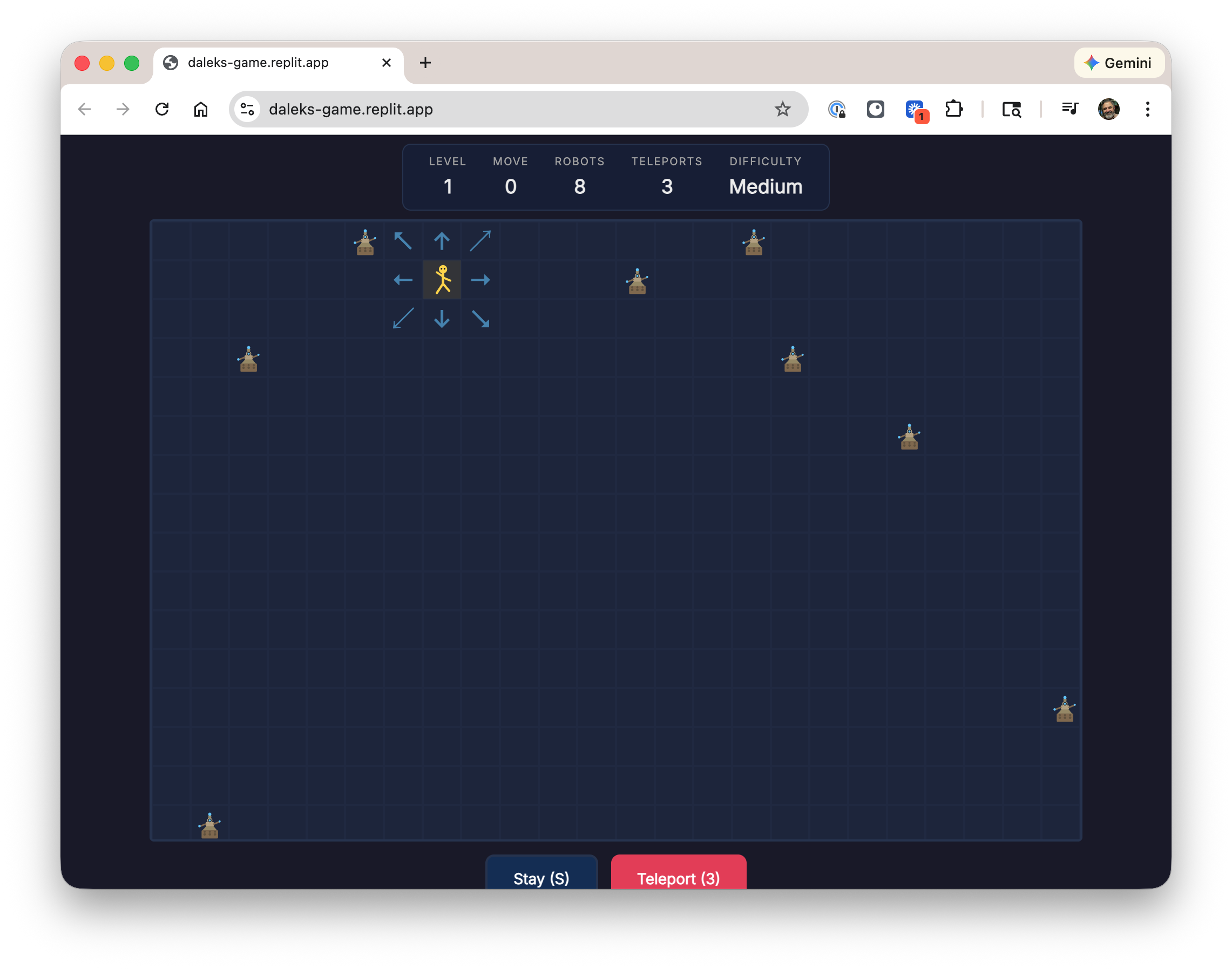
Screenshot of my recent Daleks game

Today, 2026

While I'm on a break I'm taking a Vibe Coding class. It's a fun excuse to play with some new toys, and it's well taught, and I like doing things with my friend Jane.

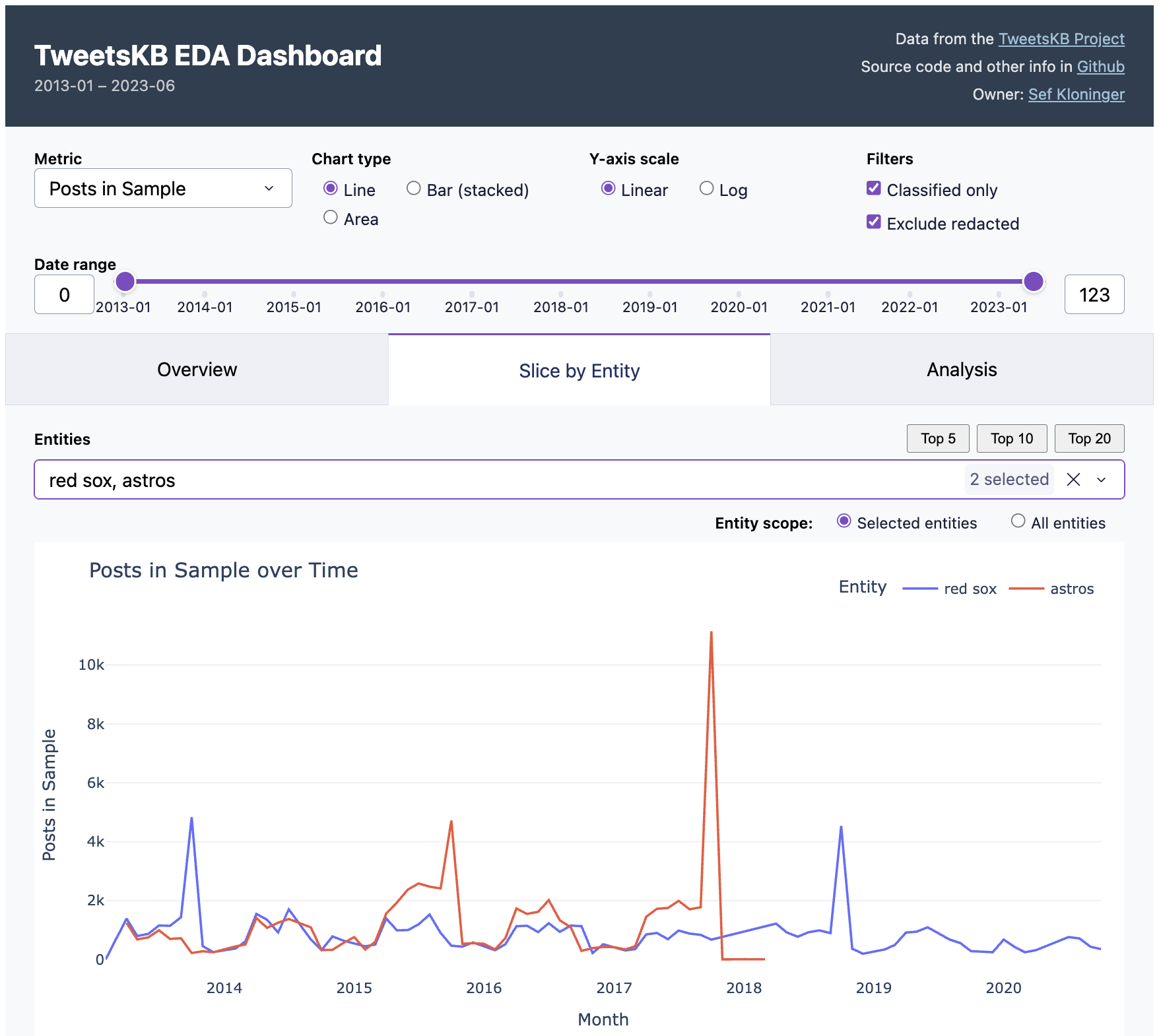
One interesting tidbit: the first day of class, February 3, 2026, was one year and one day after "vibe coding" itself was coined via tweet. That name seems to have stuck, for the time being at least. On last week's ATP they said that by this time next year this will probably just be called "coding" and I bet they're right.

Anyway our week one assignment was to code up a game. In about two hours and $10 I had a something up and running. I spent another couple of hours futzing with version control, documentation, and hosting. But that's it!

It's pretty basic, and not all that much fun, but you can play it here. It's hosted on Github pages, just like this blog. The code and construction notes are in checked in.

This was my first experience with Replit. It's impressive and fun. This was what was recommended for the class and the good folks at Replit were nice enough to give us all $30 in credits, which I had plenty to spare. Most of my comrades presented apps that were fancier than mind with 3d graphics, sound, and more interactive game play. some also said though that they ended up spending much more than I did, so YMMV on costs.

One interesting part was dealing with integration. To get their code deployed onto my personal website site required wiring up a GitHub workflow, which I'd never done before. No problem, Replit took care of that too. Then I asked Gemini to get local hosting running. When I hit a permissions problem and a crash I had to resist the urge to copy paste the error messages into a search boxes and Stack Overflow, like I've done for years. Instead I asked Gemini to debug and sort this out for itself and it did straight away. Pretty great.

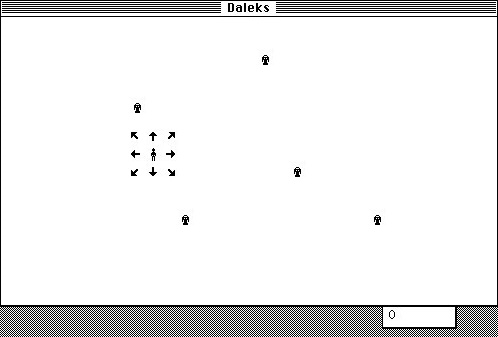
Original Daleks game from 1984

Forty Years Ago, 1985

Why'd I pick this weird old chase game? Well, that's the more fun and nostalgic part of the story.

When I was fourteen years old, I spent the summer hand-coding a video game. I'd gone to a family gathering and my older cousin Erik brought his Mac from college. It was the first I'd seen a Mac and fell in love. I thought the Daleks game he had running on it was so cool. The screenshot on the right is from that Classic Mac website of that game that I found online, and is exactly how I remember it looked.

Upon return to Fresno I got to work. I spent most of the rest of that summer writing a clone of Daleks on my Apple //e. All hand-coded 6502 opcodes and twos complement math for branch offsets by hand (I didn't have an assembler), in pencil on graph paper. The hardest part was getting smooth animation working, since the Apple //e "hi res" graphics system was super quirky.

It took about two months to get it working. It's the first time I can remember being in a flow state and I loved it. It was my first "real program" and began my lifelong love of computers.

Thanks, Daisy Disk

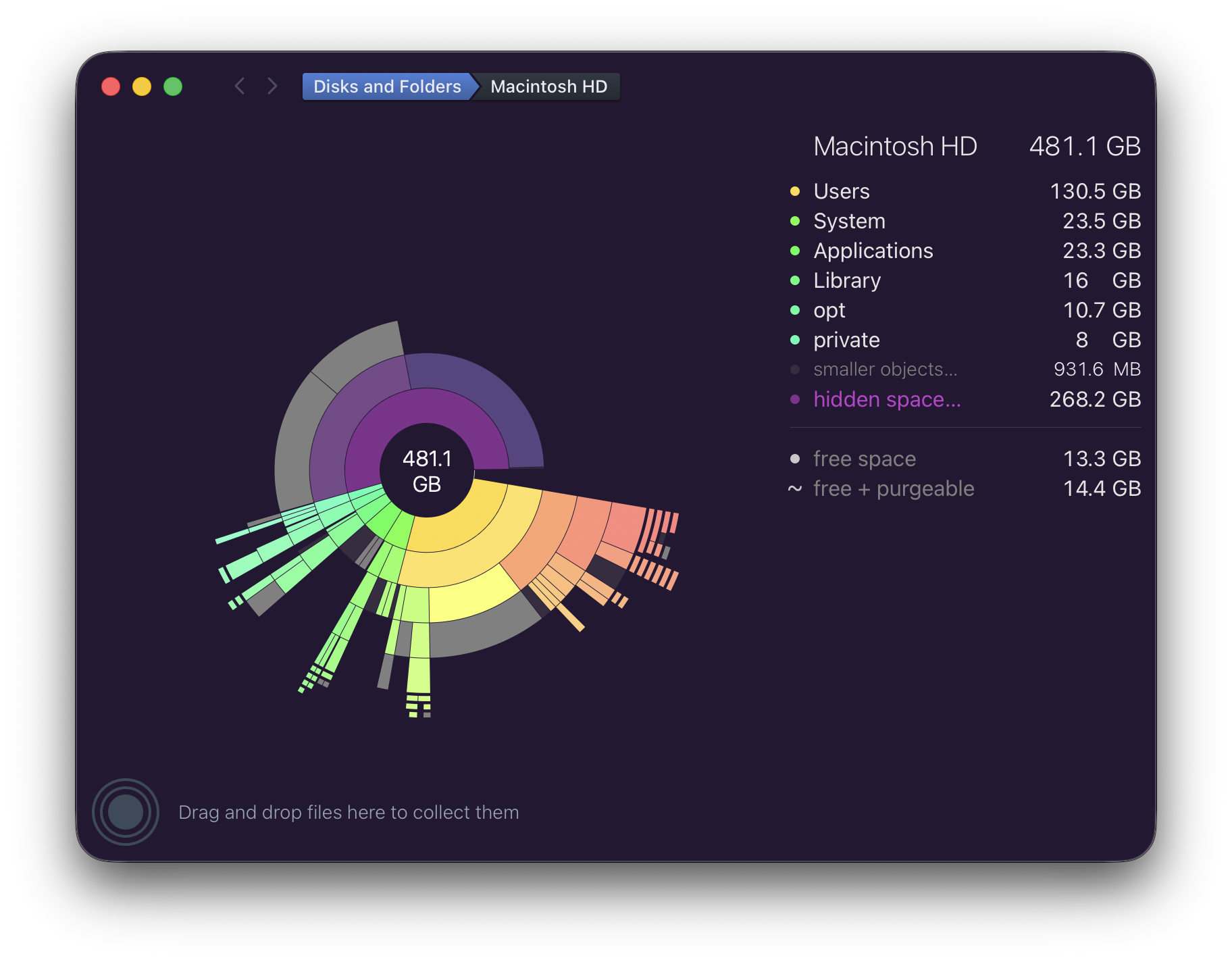
Screenshot of Daisy Disk with a disk nearly full

Recently I've been beguiled by my local disk being almost full. This is on my everyday M3 MacBook Air running the latest Tahoe 26.2.

For years I've used Daisy Disk to debug space issues like this, it's great. In this case it showed the problem, but wasn't able to narrow down what the problem was nor remove it.

Not have any success through the normal means ("Googling around"), I wrote the developer of Daisy Disk, Oleg. They explained the problem and suggested a workaround. It worked like a champ! I included the explanation below and screenshots showing before and after.

I want to say thanks to Oleg for their help. And this is a nice opportunity to say thank you to indie developers in general who are often so helpful sharing their expertise. What a wonderful and important part of our community.


Oleg's explanation:

    This error has recently been reported by a few other users as well, and our investigation shows that it's caused by a new bug in macOS, introduced in one of its recent updates. (It didn't happen before). The symptom is exactly like in your case - a Time Machine snapshot becomes damaged for unknown reason, and it cannot be deleted in the normal way - not only in DaisyDisk, but also not in Terminal, using the tmutil command-line tool. Moreover, the tmutil tool doesn't even list the damaged snapshot. It becomes almost entirely lost, while it still consumes disk space.

    We have found the following workaround solution. Please launch the system's Disk Utility (/Applications/Utilities/Disk Utility.app) and in the left sidebar, select your data volume, likely called "Macintosh HD - Data". Note that there will also be another volume called "Macintosh HD" (without "Data"), but you should select specifically "Macintosh HD - Data". Then select the View \> Show APFS Snapshots menu command. In the lower part of the window, you will see the damaged Time Machine snapshot in the list. Please select it and then click the "-" (minus) button at the bottom to delete it.

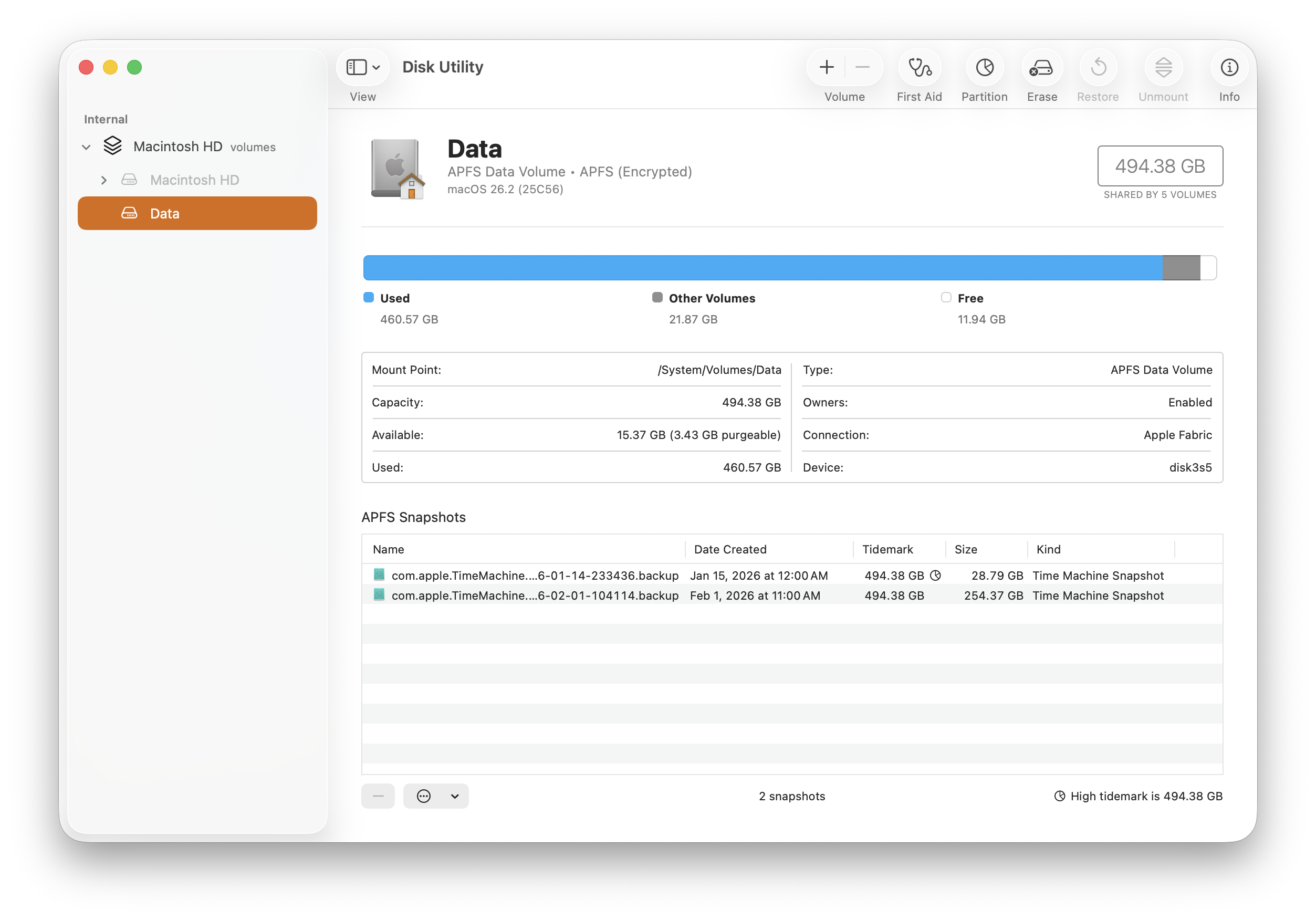
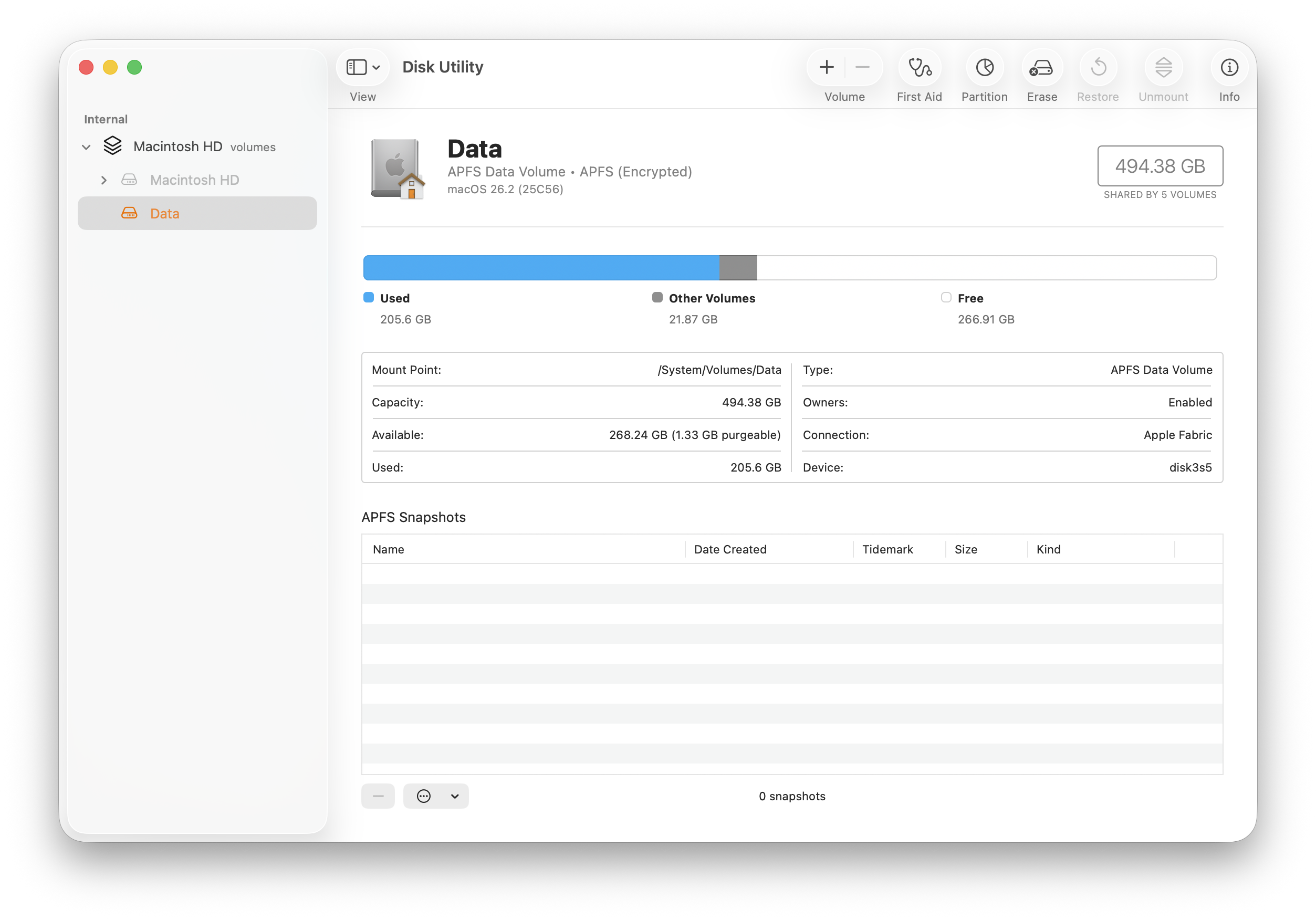
And screenshots showing the before and after. Note the two broken snapshots in the list below.

Disk utility showing disk almost full

After

Disk utility showing disk back to normal


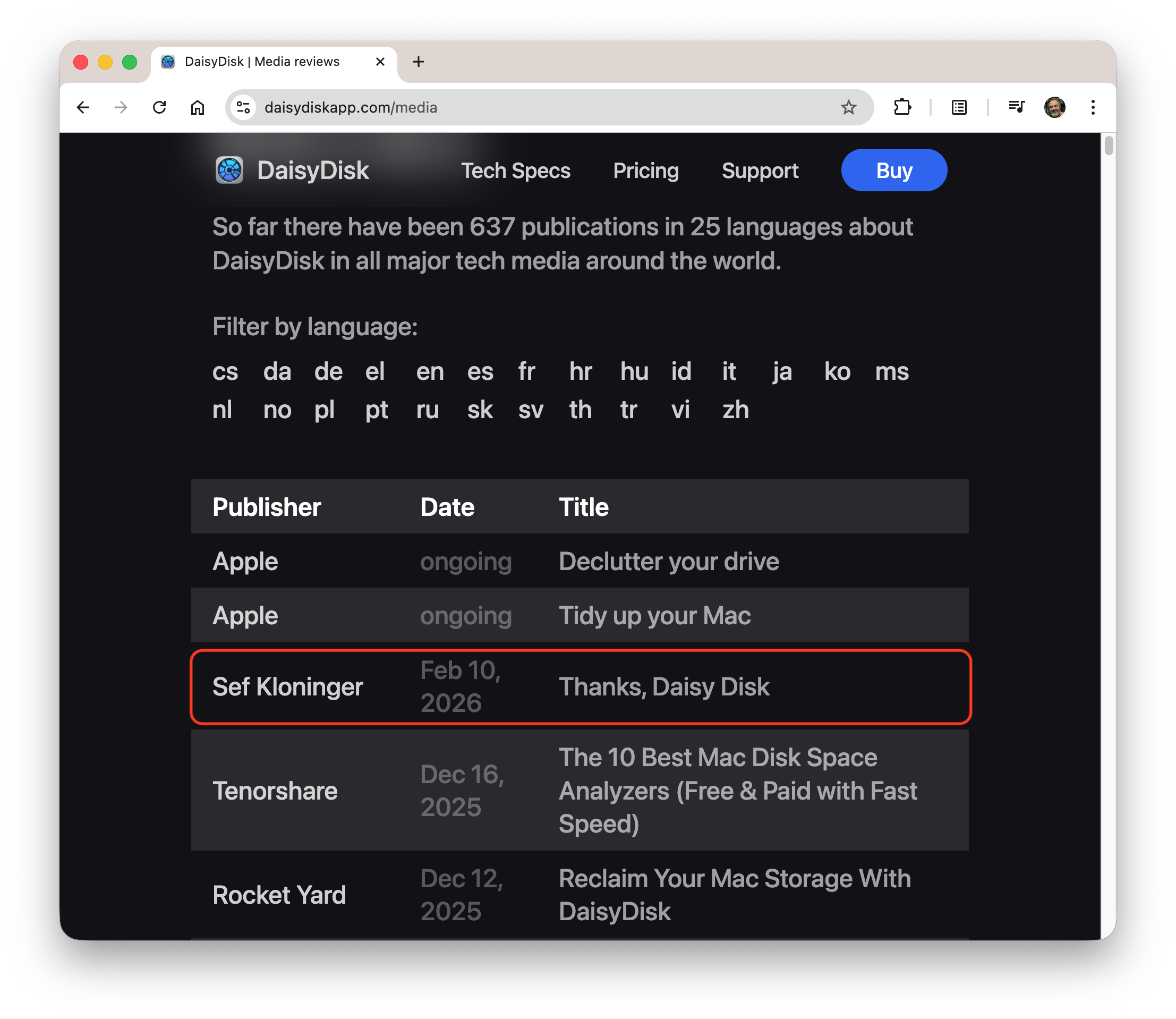
Postscript: Oleg put me on the Daisy Disk media page, neat!

Data Is Worth Preserving

Logo for the Data Rescue Project

Governments should produce public goods, like navigation aids and roads. That seems like a reasonable thing to expect of a functioning government, right?

I consider data a public good too. We all benefit from accurate maps, thorough measurements of the natural world, and trustworthy economic data.

Which is why it was I was so upset when I heard how the the current US administration has been on a tear to actually remove data. All through 2025, websites were taking down and datasets were taken offline. This Wikipedia page catalogs what's been happening, and this report by the American Statistical Association goes into more depth about what's been happening and its implications.

In response the Data Rescue Project sprang into action. They're a group of concerned academics, librarians, and citizens who have been copying and cataloging datasets so they aren't lost. The project's press page has links to many articles and presentations that describe their work and its impact. Last November I saw a call for volunteers for DRP on a mailing list of ex-Googlers and was eager to help.

Homeland Infrastructure Foundation-Level Data (HIFLD)

It's worth describing a bit about the particular dataset I actually worked on: Homeland Infrastructure Foundation-Level Data (HIFLD). It's a good case study.

HIFLD is a collection of maps. Maps of basic stuff, like roads, levees, river depth charts, locations of military bases. Beyond just being good maps, a big part of HIFLD's value is helping to make sure everyone uses the same maps.

So HIFLD is mostly curating data. Most of the data comes from other agencies (USGS, Army Corps of Engineers, Census Bureau) and HIFLD brings it together and provides it in a trustworthy, central place. Well, I should say "provided" because in September the government stopped providing it. The story is well told in this good article on Project Geospatial.

This is where the Data Rescue Project comes in. DRP volunteers immediately scooped up the data and kept in temporary storage. Then they organized a bucket brigade of volunteers to categorize and put snapshots into long-term storage. Importantly, this was coupled with metadata to ensure they're findable later. That's the part I worked on, uploading and entering metadata. We met our goal of getting all of HIFLD "rescued" by year's end. Frank Donnelly, the project manager, wrote up a nice summary of what we did and how. For my piece I relied on a nice Selenium driver, written by another volunteer, to create over a hundred projects (screen recording).

This is just one of many DRP efforts. Check out their tracker to see the breadth of work.

While I'm proud of this project, I keep reminding myself that we're playing defense. Having a one-time snapshot isn't nearly as good as having the government actually do its job. Which is why we need to keep demanding better leadership and a return to effective government. Assert your rights and protest!   ❌ 👑.